
Description
RentalForge is a powerful WooCommerce-based WordPress rental plugin for managing property rentals and equipment rentals from a single dashboard. It helps you handle bookings, availability, pricing, and rental orders with a streamlined and efficient workflow.
This WordPress rental plugin supports flexible pricing options including hourly, daily, and monthly rentals.
You can easily configure booking rules, set minimum and maximum rental durations, manage deposits, and control availability using schedules or custom date settings.
RentalForge is built to be lightweight yet feature-rich, making it an ideal rental booking plugin for both developers and business owners. It eliminates the complexity of traditional eCommerce setups while still providing advanced rental management features.
Whether you are running a property rental business, equipment rental service, or both, RentalForge gives you full control over your inventory, bookings, and pricing.
It is perfect for managing vacation rentals, construction tools, event equipment, vehicles, electronics, and more. With its user-friendly interface and powerful backend, this WordPress booking and rental plugin allows you to manage everything directly from your dashboard.
🔑 Key Features
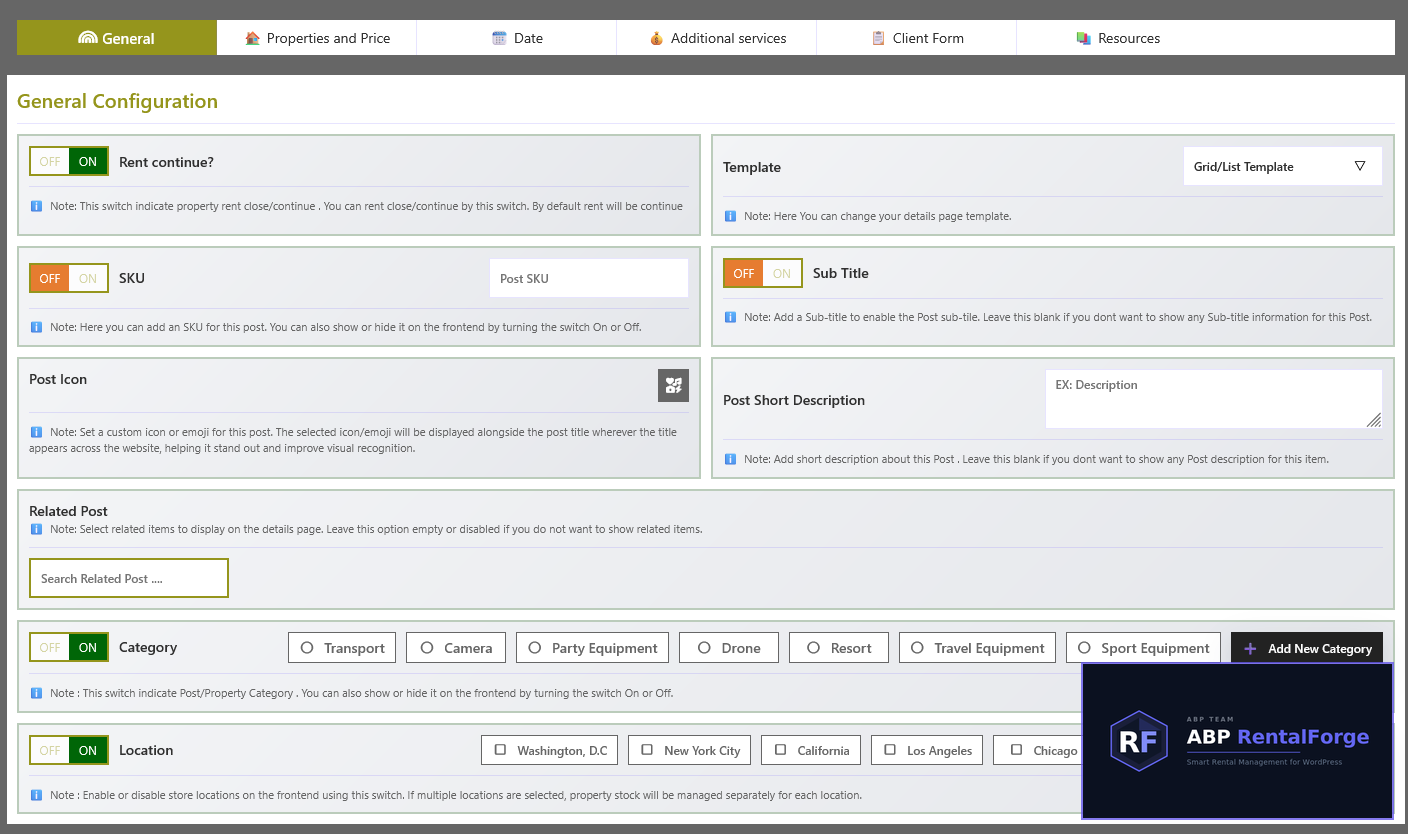
- Equipment/Property Management: Easily add, manage, and categorize rental items.
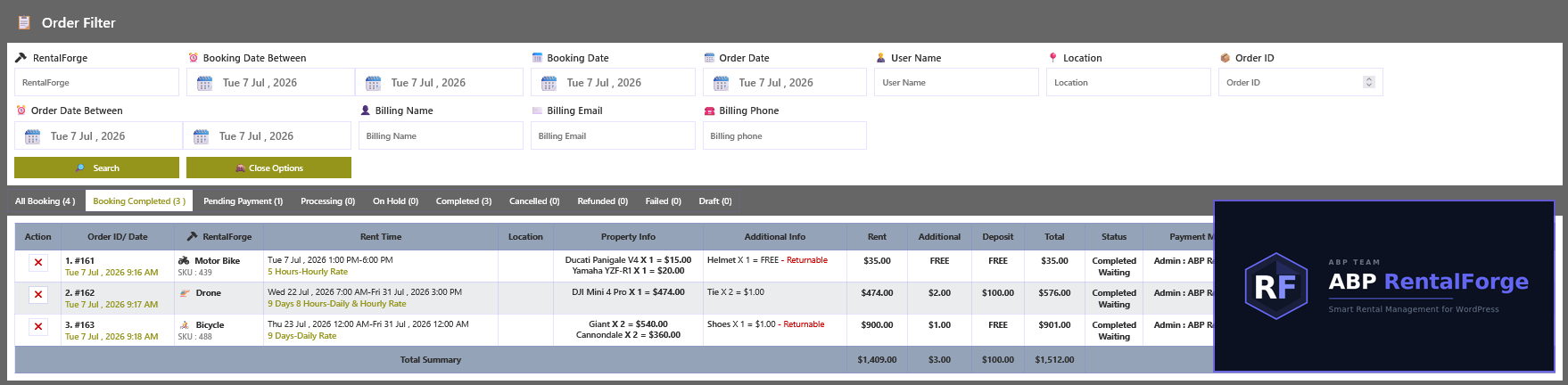
- Custom Order Tracking: Advanced dashboard to monitor bookings, orders, and rental status.
- Property Schema: Optimized database structure for fast and efficient inventory performance.
- Developer Friendly: Built with clean hooks, filters, and custom database tables for maximum flexibility.
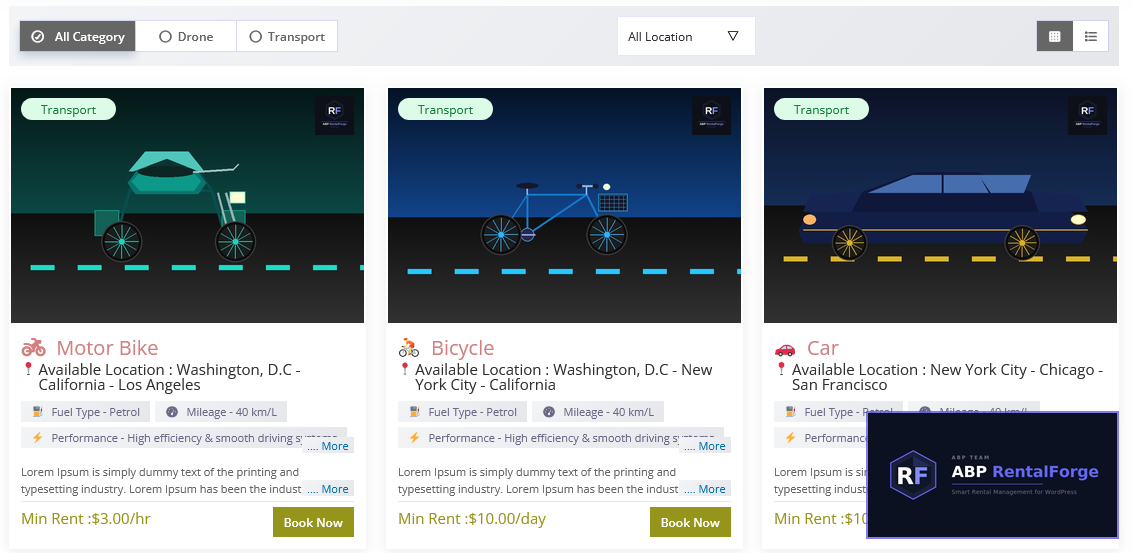
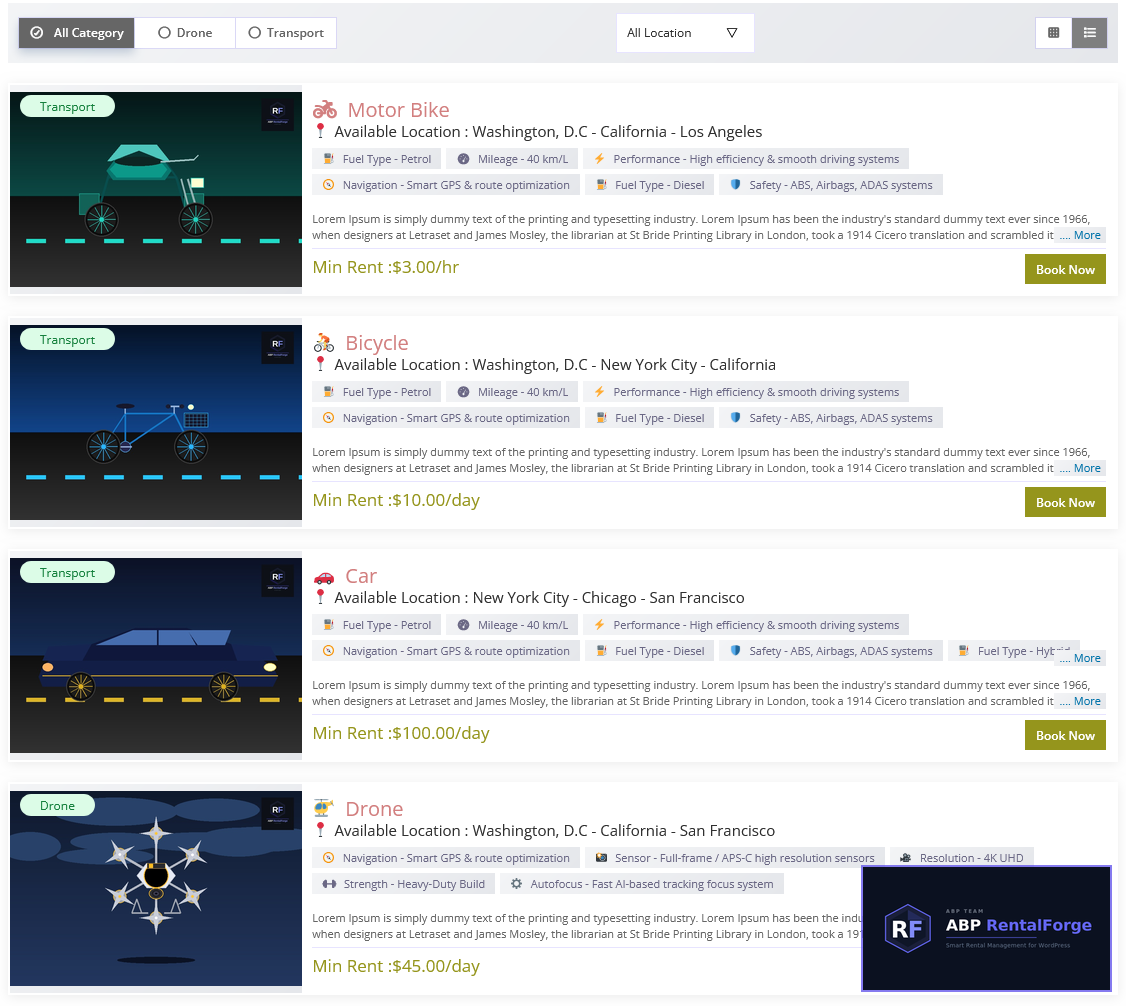
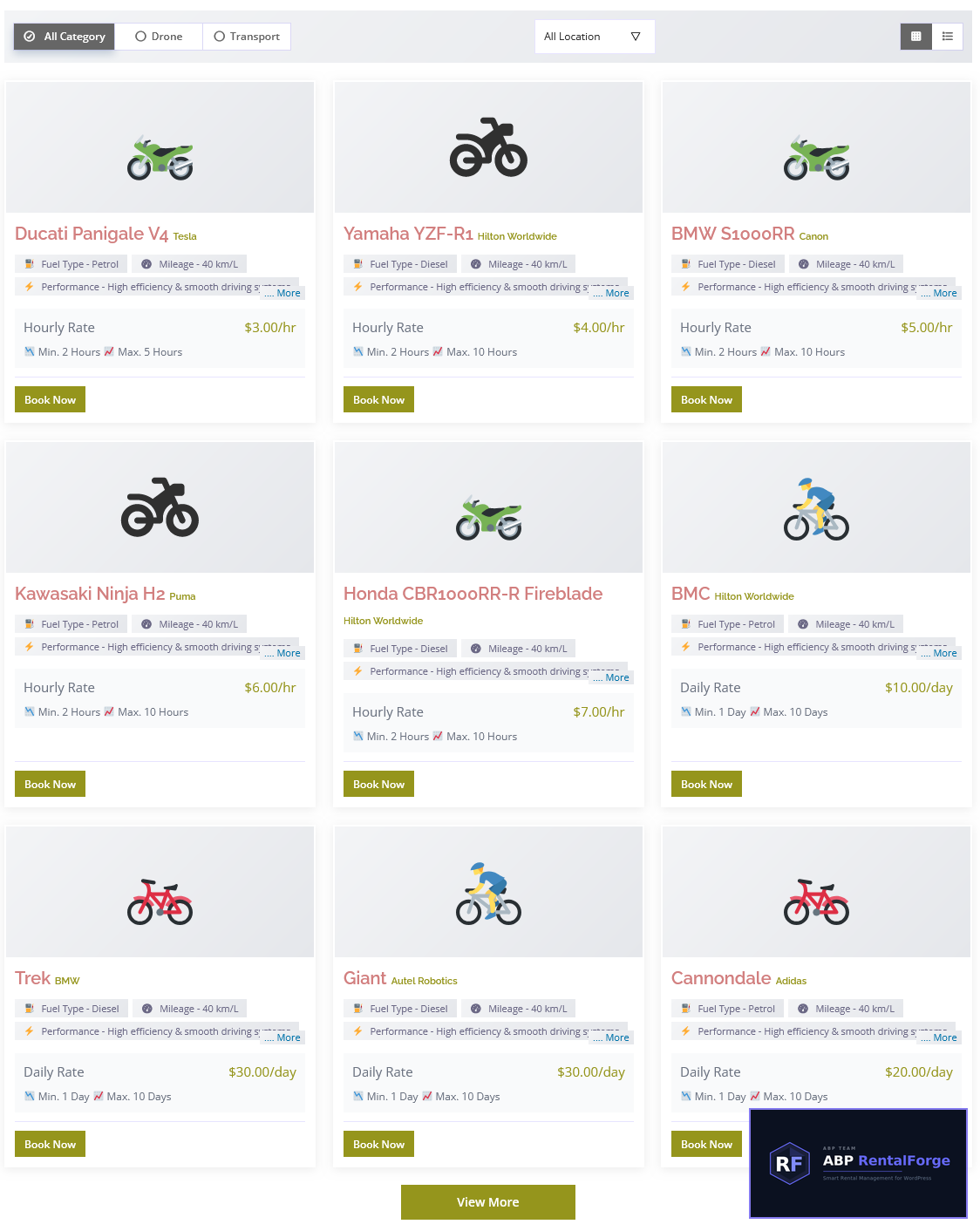
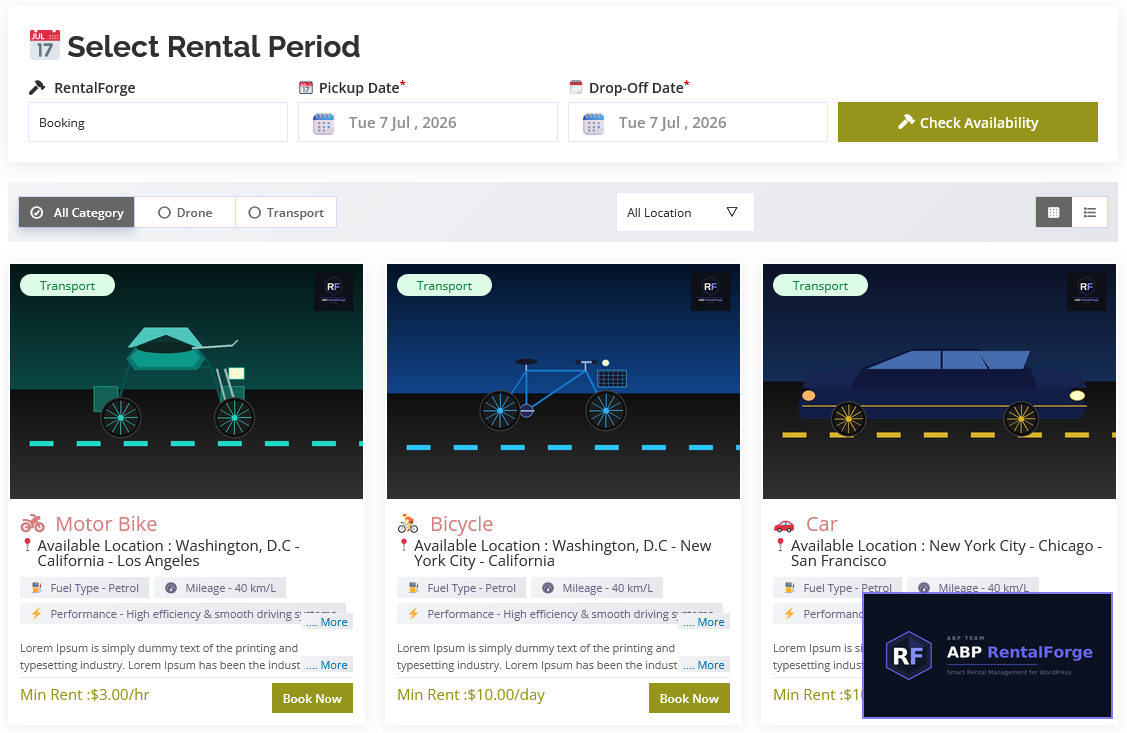
- Property Listings: Beautiful, filterable rental property listings with image gallery support.
- Guest Management: Complete guest profiles with full booking history and details.
- Multi-Currency Support: Accept and manage payments in multiple currencies worldwide.
- Fully Responsive: Fully optimized for desktop, tablet, and mobile devices.
💰 Multiple Pricing Options
- Hourly pricing
- Daily pricing
- Monthly pricing
- Combined hourly & daily pricing
- Combined monthly & daily pricing
🧠 Smart Booking Rules
- Set minimum and maximum rental duration
- Configure booking time restrictions
- Define flexible rental rules easily
💳 Advanced Deposit System
- Fixed amount deposit
- Percentage of total price
- Fixed amount per quantity
📦 Quantity Control
- Minimum quantity (optional)
- Maximum quantity (optional)
- Reserved quantity support (optional)
📅 Availability Management
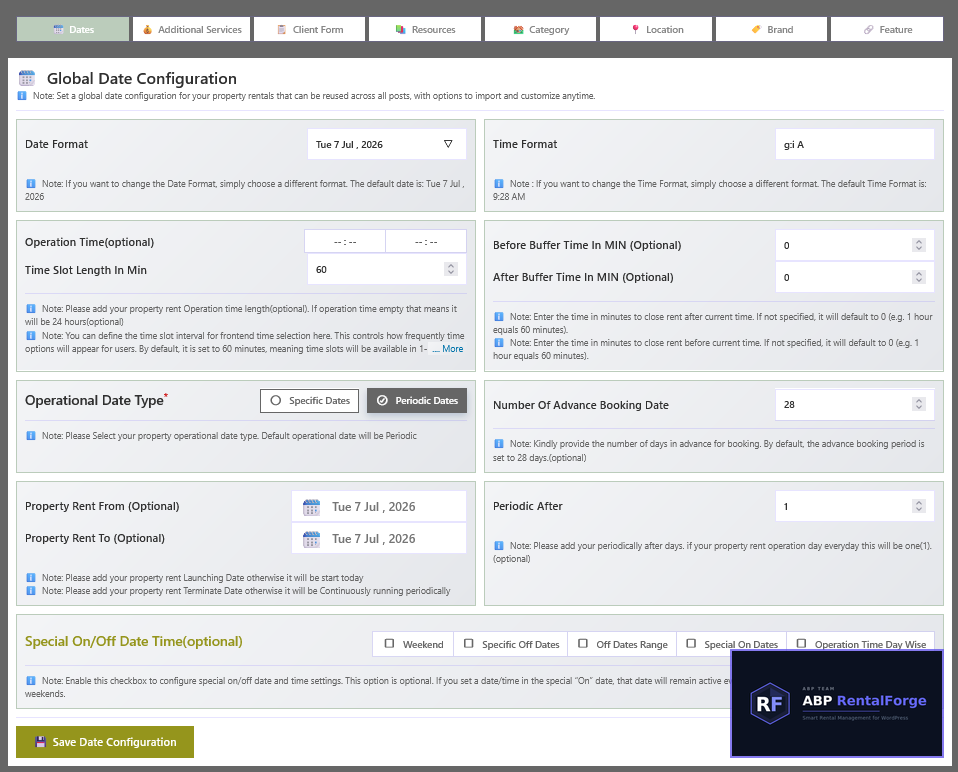
- Day-wise schedule control
- Special date enable/disable system
- Override availability when required
🖥 Frontend Experience
- Dynamic price calculation system
- Simple and user-friendly booking interface
- Shortcode-based property listing system
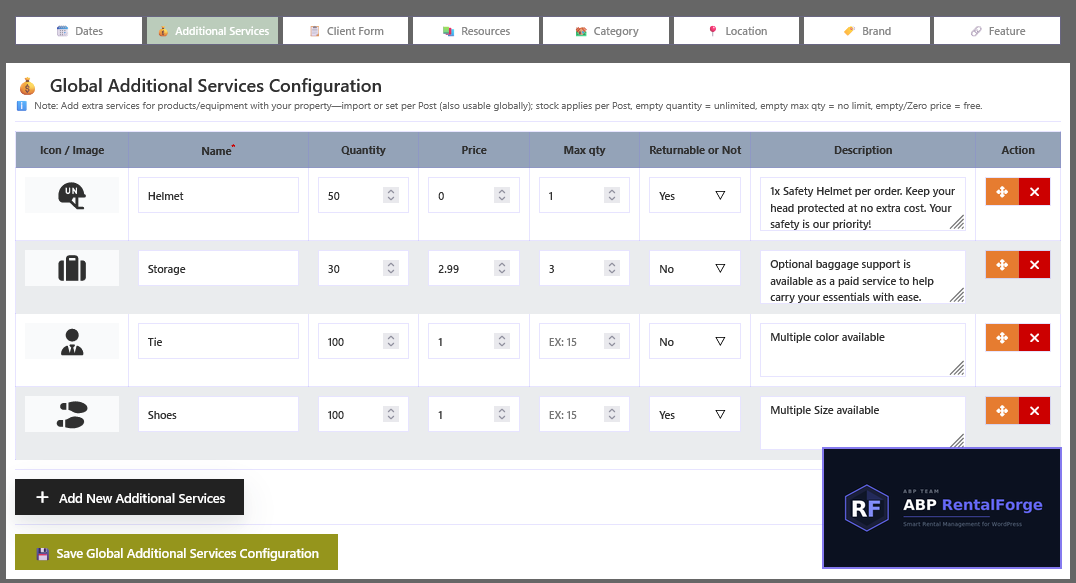
➕ Additional Services
- Global Additional Services system
- Custom per-post Additional Services support
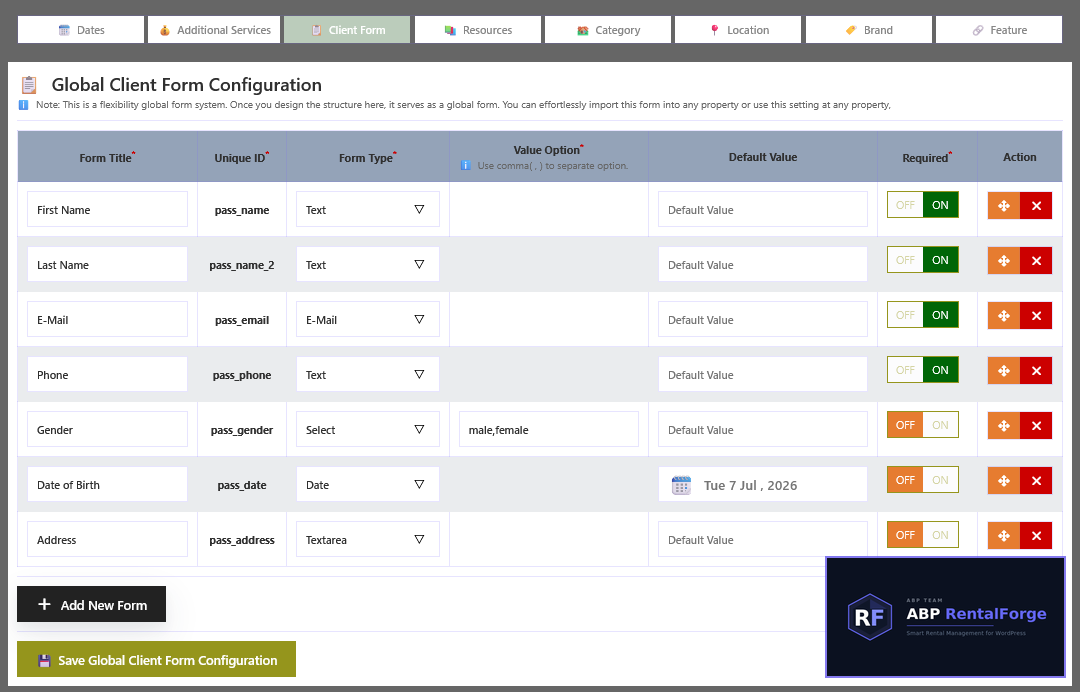
🧾 Client Information Form
- Global client form configuration
- Custom per-post form builder system
❓ FAQ & Terms Support
- Global FAQ system
- Custom FAQ per post
- Fully editable Terms & Conditions system
Upgrade to Pro
Take your rental business to the next level with ABP RentalForge Pro.
✓ Export booking reports in PDF and CSV formats.
✓ Generate professional PDF invoices.
✓ Automatically send PDF invoices via email.
✓ Resend booking emails with PDF attachment.
✓ Create bookings directly from the admin dashboard.
✓ Seasonal pricing and discount rules.
✓ Early bird pricing and discount.
✓ Premium support and future updates.
Need help or have suggestions?
If you need any further assistance or support, do contact us at this 🎫 support form. We are very open to your suggestions. So do feel free to tell us if there is anything we can do to improve the plugin.
Need help or have suggestions?
🌐 Live Demo
📖 Documentation
💬 Support Forum
🐛 Bug Reports
📧 Email: support@abp-team.com
If you find RentalForge useful, please leave a ⭐⭐⭐⭐⭐ review on WordPress.org — it really helps!
Applications of RentalForge
- 🏡 Property Rental
- 🚗 Vehicle Rental
- 🚲 Bike Rental
- 🚙 Car Rental
- 🏨 Resort Booking System
- 📅 Doctor / Lawyer Appointment Booking
- 🛠️ Equipment Rental System
- 👗 Dress / Costume Rental
- ⛵ Yacht / Boat Rental
- 🏑 Sports Kit Rental
- 🏢 Office Space Rental
- 🏠 Any Type of Goods & Property Rental System
Shortcodes
Use these shortcodes anywhere on your site:
[abprf-booking] — Display all post listings and booking
[abprf-post] — Display all post listings
[abprf-property] — Display all property listings
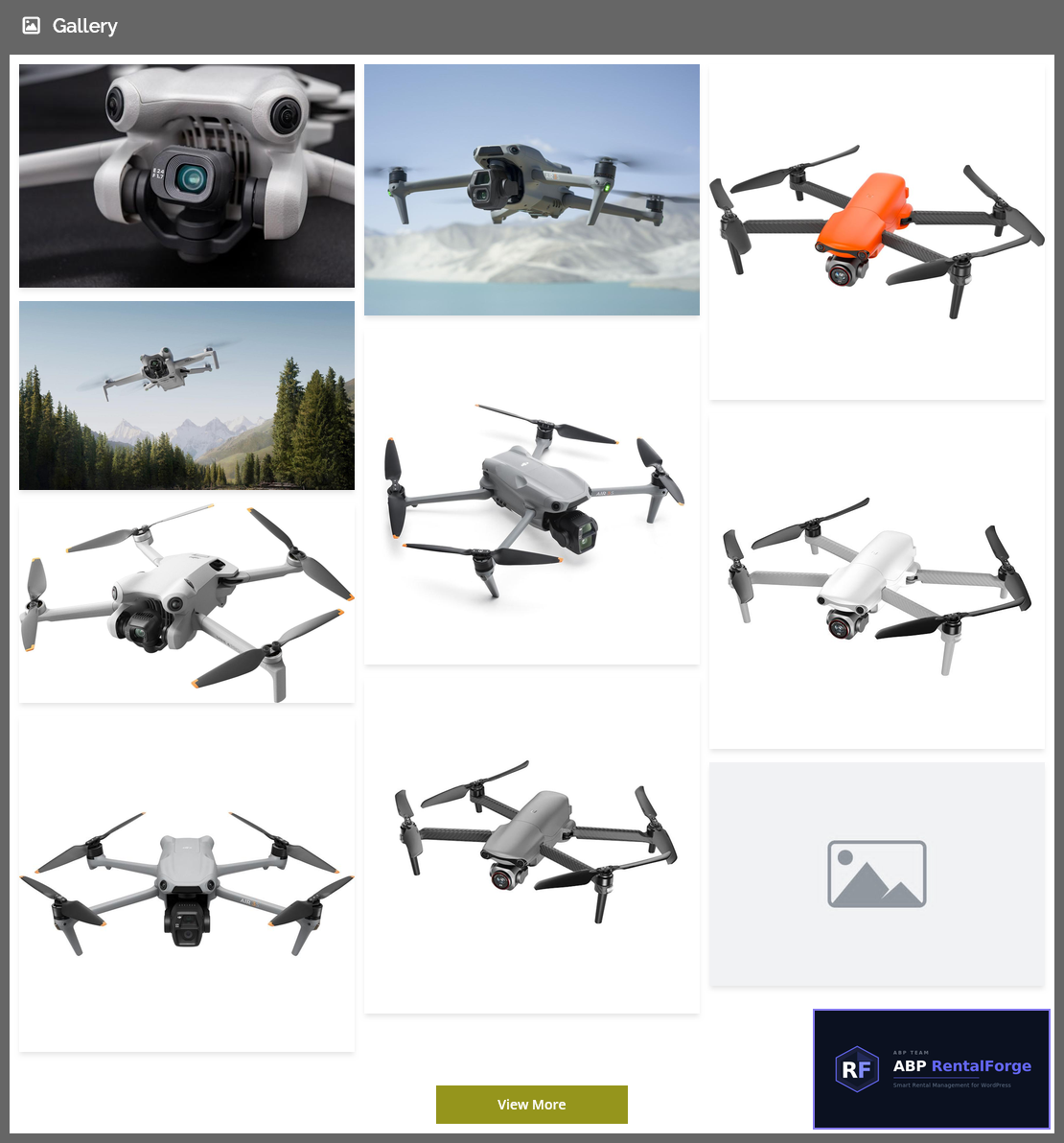
[abprf-gallery] — Display all property/post image
Payment Gateways
RentalForge does not include a separate payment system. All payments are fully managed by WooCommerce and its supported payment gateways.
Theme Compatibility
RentalForge is compatible with any well-coded and standards-compliant WordPress theme. It includes responsive frontend templates that adapt to different layouts.
Usage
- Go to RentalForge Settings and complete the initial setup.
- Add your first property under RentalForge Properties Add New.
- Configure title, description, and images.
- Set pricing (at least one pricing type is required).
- Configure rental rules (minimum/maximum duration).
- Set deposit and availability options if needed.
-
Use the shortcode below to display listings on any page:
[abprf-post]
Why Choose RentalForge
- Easy to use
- Lightweight
- WooCommerce Powered
- Flexible Pricing
- Unlimited Rentals
- Developer Friendly
- Responsive Design
Privacy Policy
This plugin uses Appsero SDK for optional telemetry data collection. No data is collected without user consent. Data collection starts only after user approval from the admin notice.
Screenshots
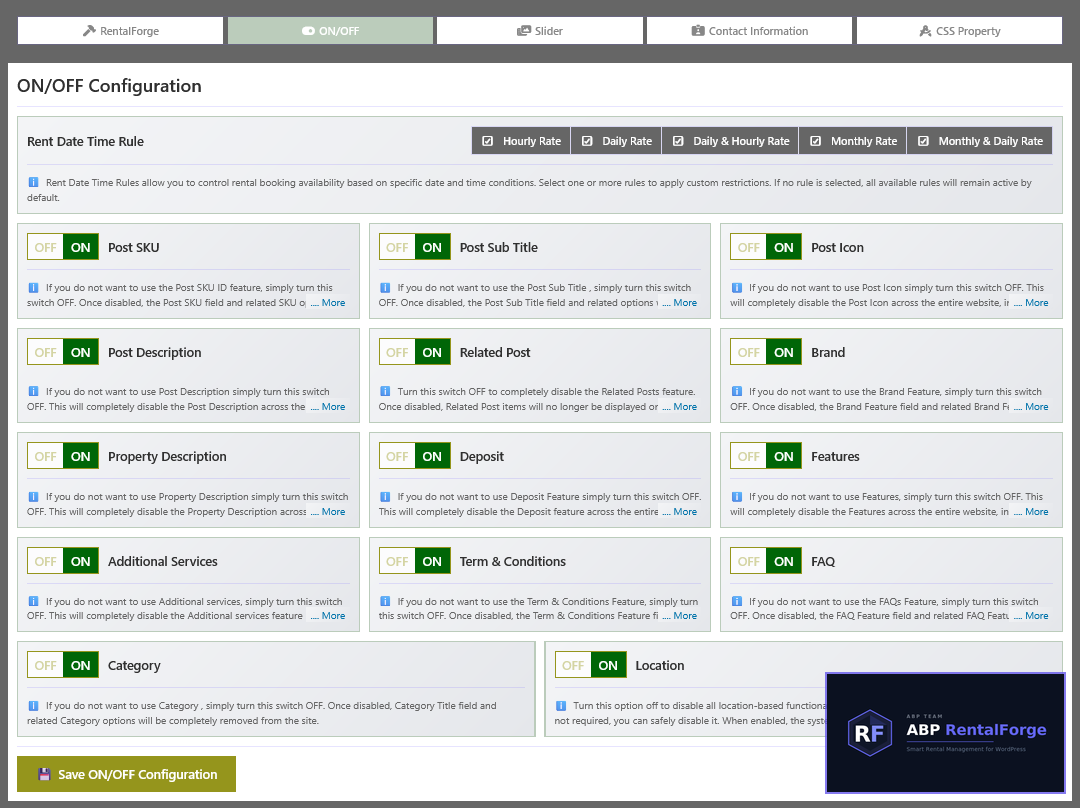
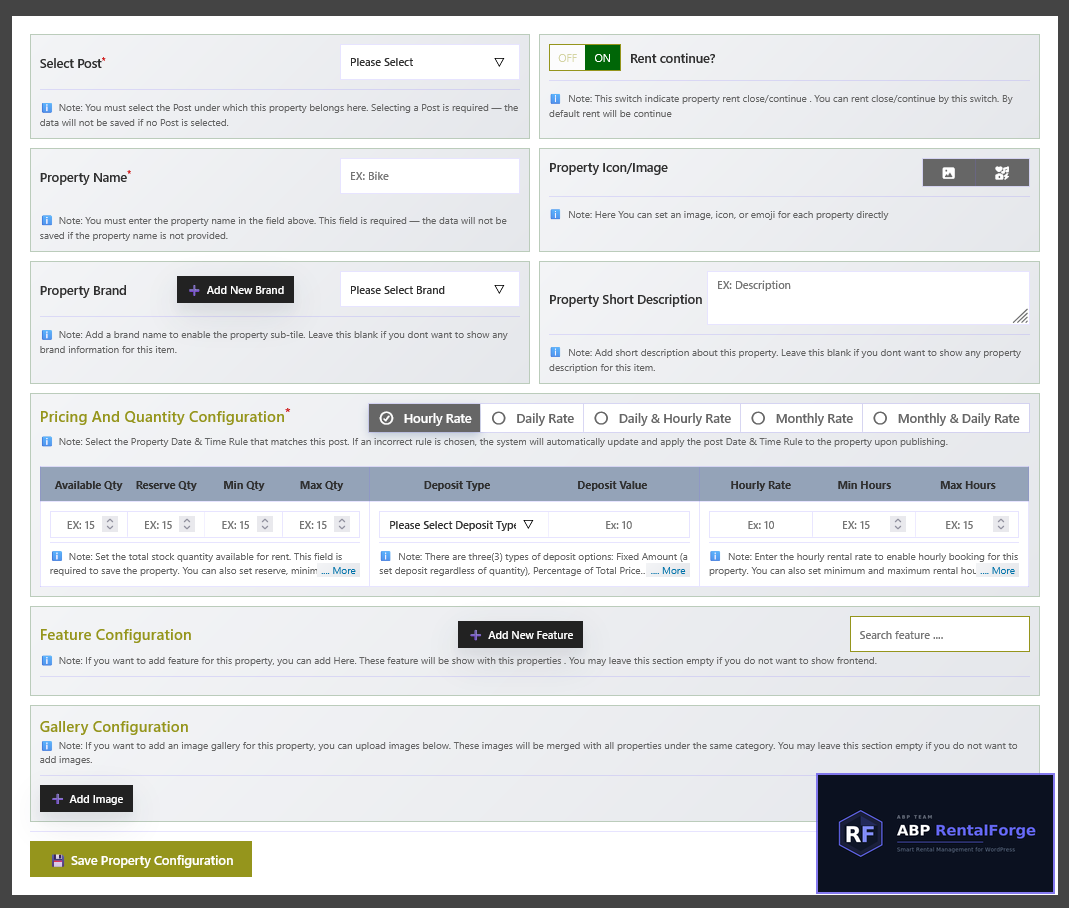
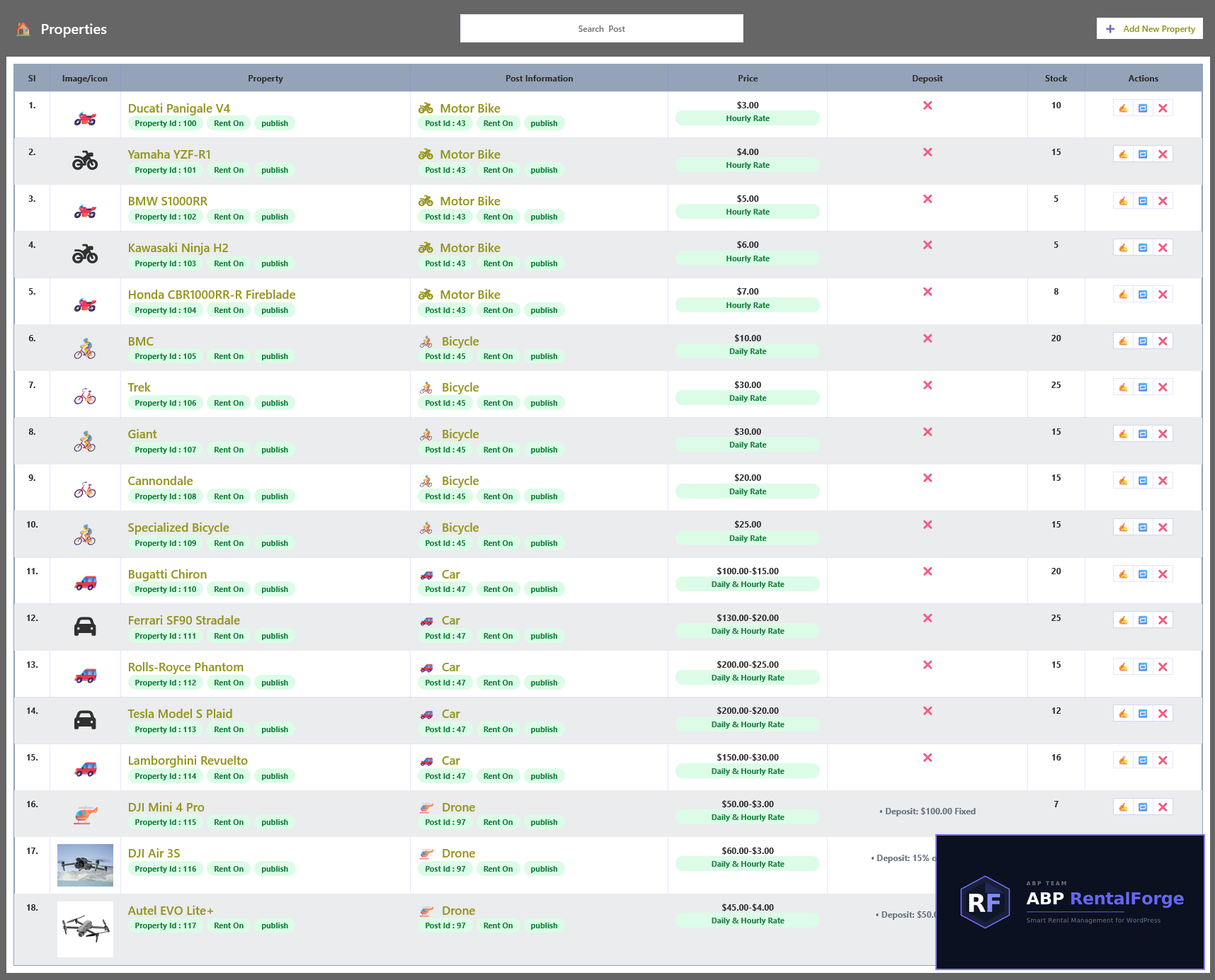
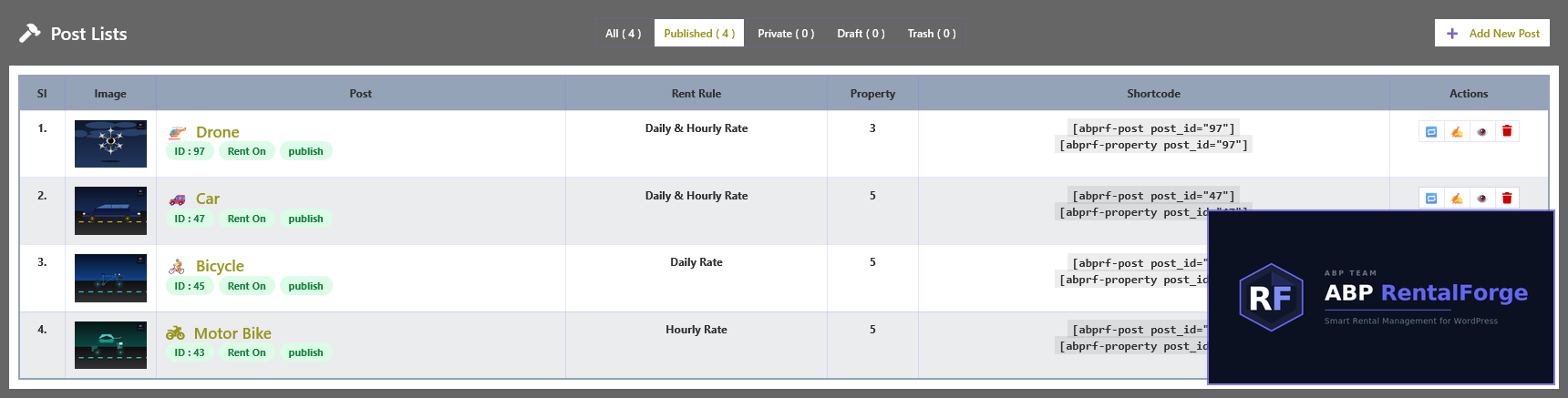
Installation
Automatic Installation (Recommended)
- Go to Plugins Add New in your WordPress dashboard.
- Search for “RentalForge”.
- Click Install Now and then Activate.
Manual Installation via Upload
- Upload the abp-rentalforge.zip file to the /wp-content/plugins/ directory.
- Activate the plugin from the Plugins menu in WordPress.
- Access the “RentalForge” menu from the admin sidebar to start configuration.
Installation via FTP
- Download the abp-rentalforge.zip file.
- Extract the abp-rentalforge folder on your computer.
- Upload the folder to /wp-content/plugins/ via FTP.
- Activate the plugin from the WordPress Plugins dashboard.
FAQ
-
Can I use multiple pricing types?
-
Yes. You can enable multiple pricing options, but only one pricing rule can be active per post.
-
Is a deposit required?
-
No. Deposit is completely optional.
-
What is the default minimum quantity?
-
If not set, the default minimum quantity is 1.
-
Yes. Special date settings allow you to override default availability rules.
-
How is monthly duration calculated?
-
By default, 1 month is calculated as 30 days.
-
Does the plugin work with any WordPress theme?
-
Yes. RentalForge is designed to work with any well-coded WordPress theme and includes responsive frontend templates.
-
Which payment gateways are supported?
-
RentalForge uses WooCommerce for payments, so all WooCommerce-supported gateways are available.
-
Can I manage multiple properties?
-
Yes. You can create unlimited properties, each with individual pricing, availability, and settings.
-
Is it translation ready?
-
Yes. The plugin is fully translation-ready and compatible with standard WordPress localization tools.
-
Does it work in local environments like XAMPP?
-
Yes. RentalForge works perfectly in local development environments such as XAMPP or LocalWP.
-
Where can I get support?
-
You can ask questions in the WordPress support forum:
https://wordpress.org/support/plugin/abp-rentalforge/
Our team typically responds within 24–48 hours.
Reviews
There are no reviews for this plugin.
Contributors & Developers
“ABP RentalForge” is open source software. The following people have contributed to this plugin.
Contributors
Translate “ABP RentalForge” into your language.
Interested in development?
Browse the code, check out the SVN repository, or subscribe to the development log by RSS.
Changelog
1.0.0
Initial Release