

Description
SVisciano – Light-Dark Theme Mode allows you to easily create a secondary color variant for your website. Give your users the freedom to switch between your default style and a custom color override with a sleek, modern toggle.
Unlike rigid dark mode plugins, it does not force a predefined style. It works on top of your existing design, meaning your base theme can be either light or dark.
You decide which version is the default, and the plugin handles the secondary variant.
🚀 How It Works
- Set your Base Theme: Select whether your site is natively Light or Dark.
- Scan CSS Variables: Automatically detect the color variables used on any page of your site with one click.
- Map Your Colors: Pair your original color variables with your custom override colors.
- Display the Switcher: Place the shortcode anywhere on your site to display a beautiful toggle.
🌟 Key Features
- Flexible Base Theme: Choose Light or Dark as your starting point.
- Smart Visitor Preferences: Set the starting theme for first-time visitors (including an Auto mode that follows browser preferences).
- Automatic CSS Variable Scanner: Easily detect color variables on your pages to simplify the mapping process.
- Instant Search & Filters: Quickly find scanned variables by name or value to speed up your workflow.
- Total Mapping Control: Map variables automatically or manually enter custom names.
- Import & Export: Back up your color mappings or transfer them to another site in seconds.
- Beautiful Toggle Styles: Choose from multiple modern switcher designs (like Minimal Switch or Glass Pill) to match your site’s aesthetic.
- Shortcode Placement: Place the [SVISCIANO_THEME_SWITCHER] shortcode exactly where you need it.
- Lightweight & Fast: Pure CSS variable manipulation that doesn’t bloat your site or modify your original design.
Take full control of your website’s secondary theme without being locked into a predefined dark mode system!
Screenshots
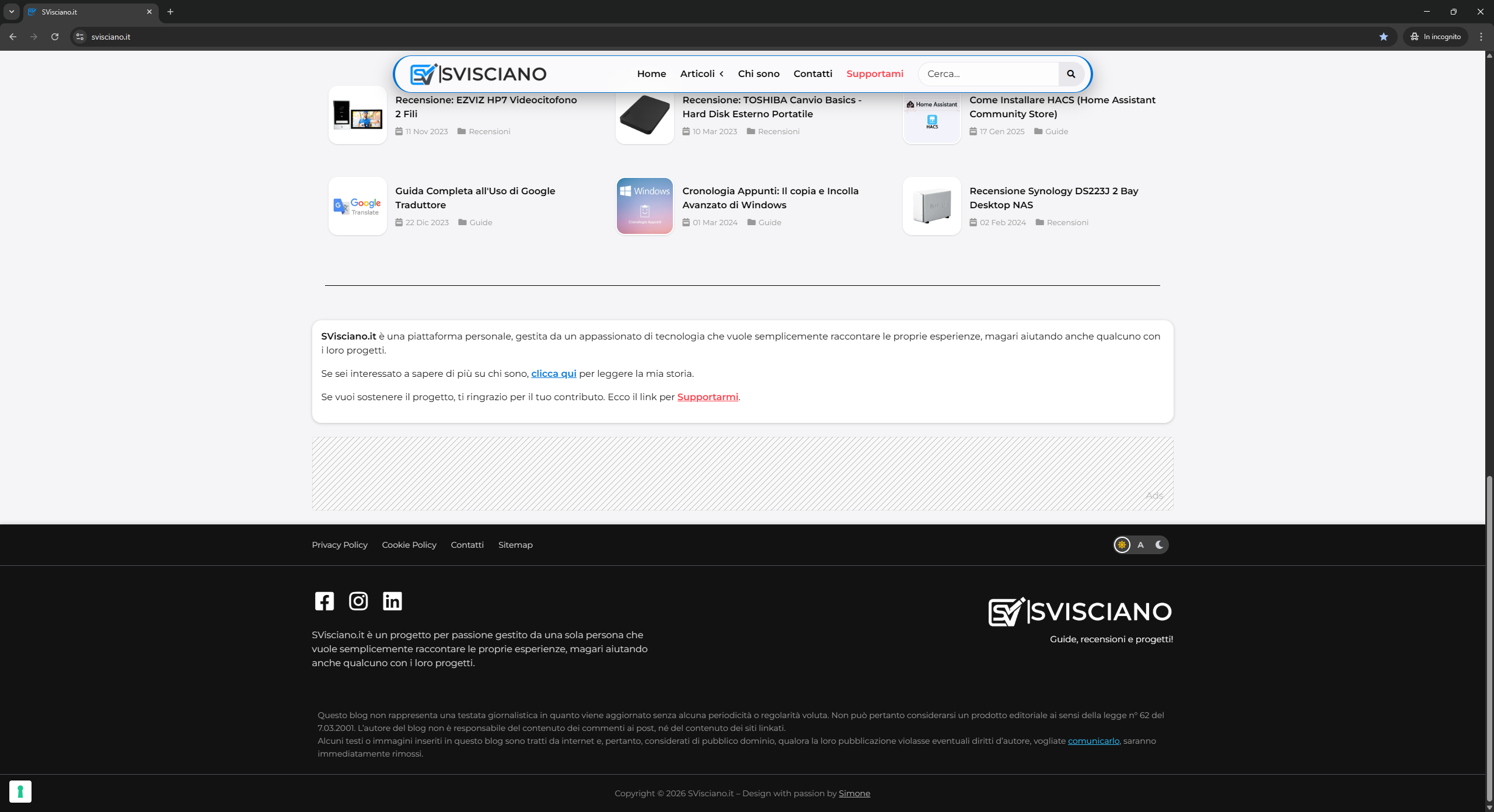
Example of Light Mode 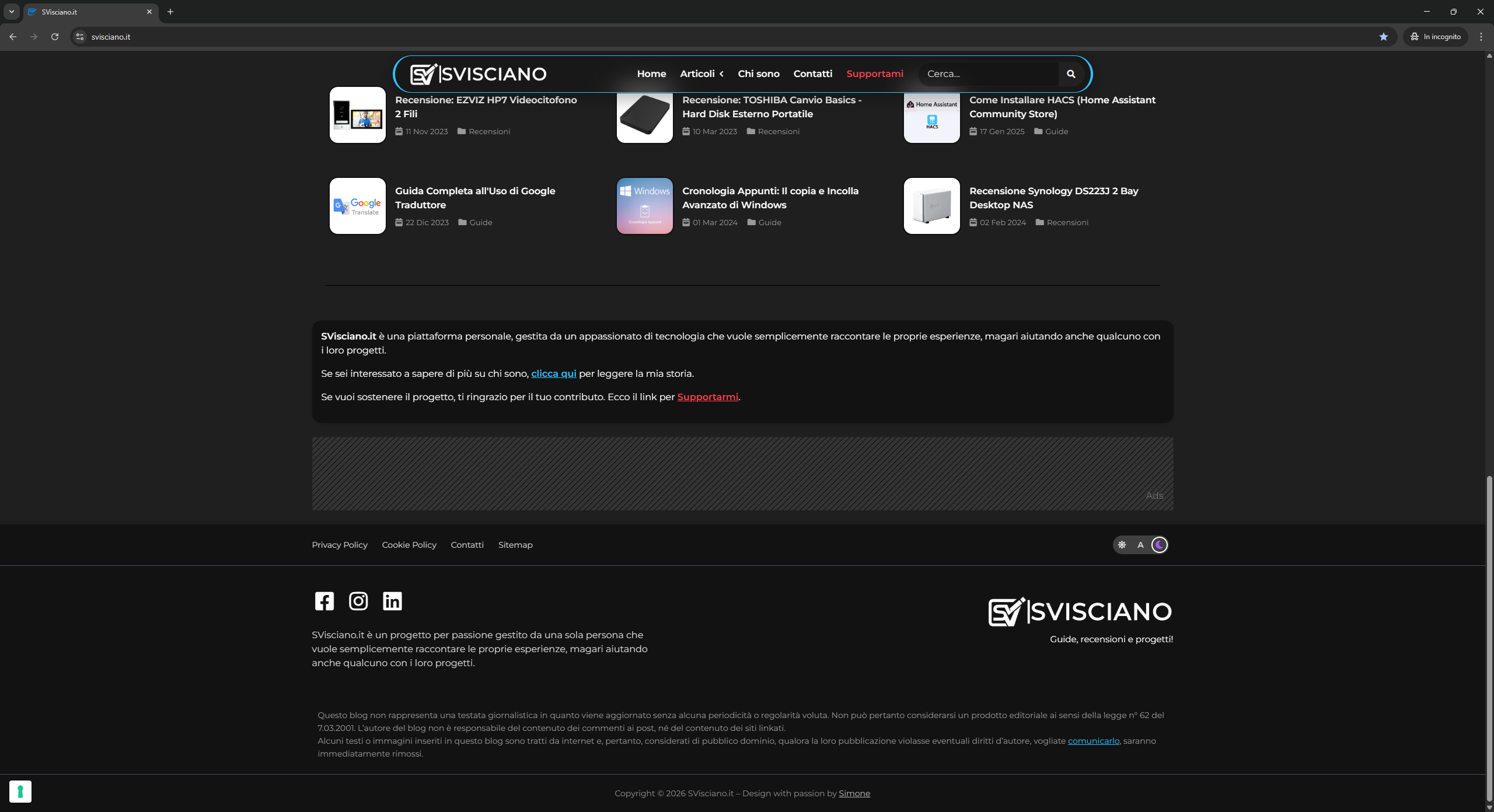
Example of Dark Mode 
Plugin settings page inside the WordPress admin panel.
Installation
Automatic Installation
- Go to “Plugins” > “Add New” and search for “SVisciano – Light-Dark Theme Mode”;
- Click “Install”, then “Activate”;
- Go to “Settings” > “SVisciano – Light-Dark Theme Mode” to configure the plugin.
Manual Installation
- Download the plugin zip file
- Go to “Plugins” > “Add New” > “Upload Plugin”, and select the ZIP file;
- Click “Install”, then “Activate”;
- Go to “Settings” > “SVisciano – Light-Dark Theme Mode” to configure the plugin.
FAQ
-
Does the plugin work with an already light or dark theme?
-
Yes! The plugin does not enforce a predefined style. You choose which theme (Light or Dark) will be the base, and the plugin applies the alternate theme when the switch is activated.
-
How does the “Auto” mode work?
-
The “Auto” mode detects the user’s browser preference. If the user has dark mode enabled in their system, the alternate dark theme is applied, otherwise, the alternate light theme is applied.
-
Does the plugin automatically map all site colors?
-
No. The plugin only scans a page to detect color variables. You must manually map each original color variable to a custom override color.
-
Can I place multiple toggle switches on a page?
-
You can insert the shortcode anywhere, but only one toggle per page will work. If you add multiple toggles, only the first one will be functional.
-
Are multiple toggle styles available?
-
Yes. You can select the default toggle style in the plugin settings, and the shortcode will display it accordingly.
-
Do the override colors replace the original theme colors?
-
No. The base theme colors remain intact. When the switch is active, only the mapped override colors are applied. Switching OFF restores the original base theme.
-
Is the plugin compatible with any theme?
-
The plugin works at the CSS level and does not rely on any theme-specific logic. In practice, it can be used with any theme, but the actual results depend on the color variables present and how the theme is structured.
Reviews

Contributors & Developers
“SVisciano – Light-Dark Theme Mode” is open source software. The following people have contributed to this plugin.
Contributors
Translate “SVisciano – Light-Dark Theme Mode” into your language.
Interested in development?
Browse the code, check out the SVN repository, or subscribe to the development log by RSS.
Changelog
0.2.0
- Add: Added default theme options for first-time visitors
- Add: Added search filter for scanned CSS variables
- Add: Added import and export functionality for color mapping
- Update: Modernized UI tables
- Tweak: Optimized dynamic table resizing and scroll behavior
0.1.1
- Improved CSS variable generation for theme switching
0.1.0
- Initial release